How to record your first lesson with just a laptop
25 November 2026 · 4 minute read
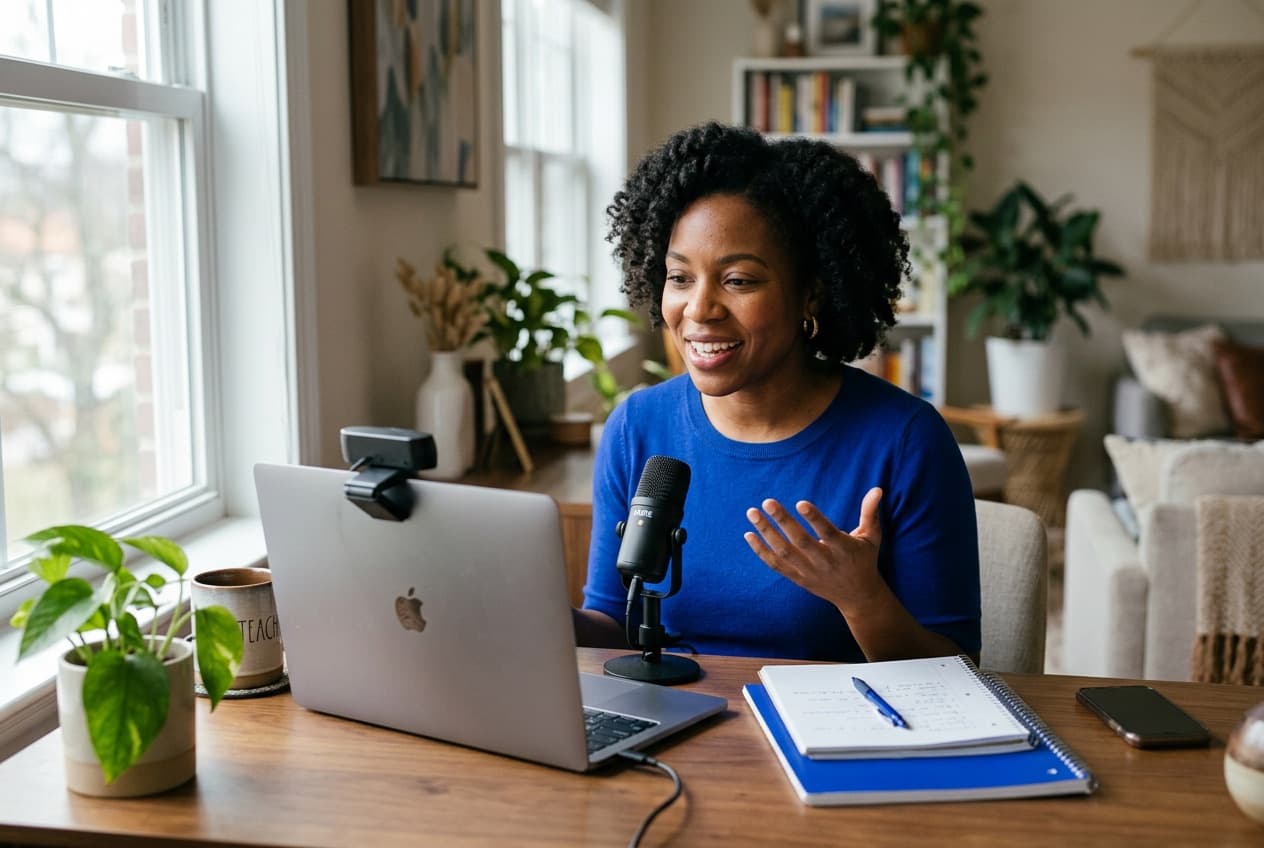
Most first lessons are never recorded because the teacher is waiting for better equipment. Start with what you have. Students forgive a plain background far more easily than they forgive sound they cannot follow.
Get the sound right first
- Choose a small room with soft things in it: curtains, a rug, a sofa.
- Switch off fans, televisions and phone alerts.
- Keep the microphone about 30 cm (one foot) from your mouth, a little to one side, so your breath does not pop.
- Record twenty seconds, play it back, and only then start the real lesson.
Face the light
Sit facing a window or a lamp, never with it behind you. Put the camera at the height of your eyes; a few books under the laptop do the job.
Say one thing per lesson
Aim for five to eight minutes. Write three points on a card: what the student will be able to do, how to do it, and one thing to try. Short lessons are easier to record and easier to finish.
Do not start again for every mistake
Pause, take a breath, repeat the sentence and carry on. Cut the mistake out afterwards. In CoursePen’s Studio add-on you can split and delete a part, or transcribe the recording and delete the words.